
Recruitment Communication
Create beautiful, branded emails and build meaningful candidate relationships from one place. Communicate with individual candidates or entire segments, design reusable email templates with flexible layouts, automate recurring messages, schedule outreach, and track every interaction.
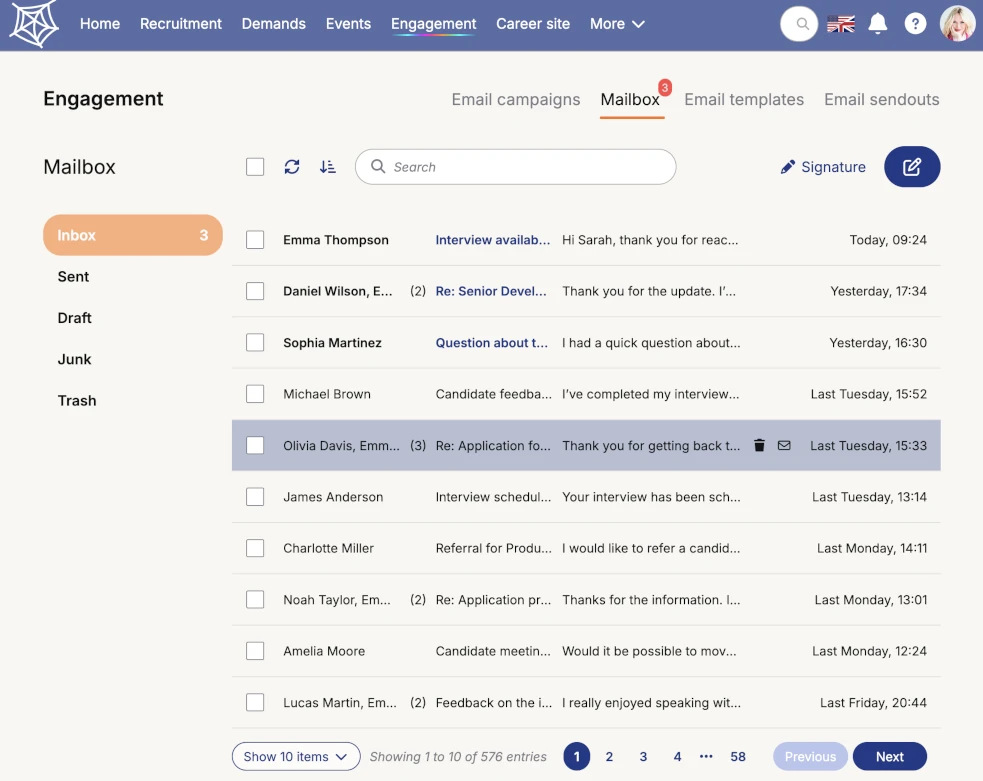
Recruitment Mailbox
Talantula includes a built-in recruitment mailbox that lets recruiters manage candidate and team communication without leaving the platform. With a familiar email-style layout, it keeps recruitment conversations organized and easy to access in one place.
Recruiters can handle everyday communication directly from the mailbox, from reading and replying to messages to composing new emails and forwarding existing conversations. It also supports out-of-office replies and personal email signatures for a more polished workflow.
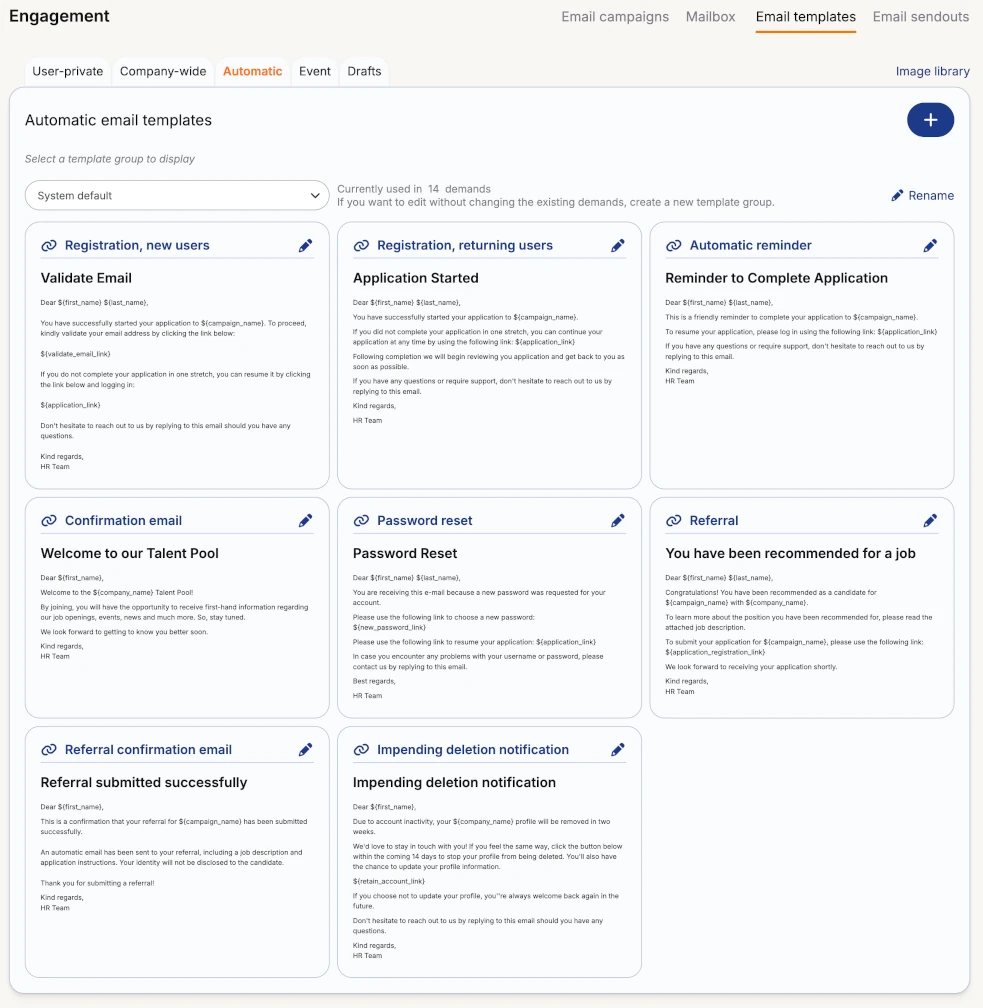
Email Template Library
Talantula provides a centralized library for creating, organizing, and reusing recruitment email templates across the company. Templates can be kept private for individual use, shared with the entire organization, or configured as automatic templates for recurring communication within recruitment workflows.
The library also separates ready-to-use templates from work in progress and organizes event-related communication into dedicated template groups. This gives teams a clear structure for managing everything from personal recruiter messages to standardized company-wide and automated communications.
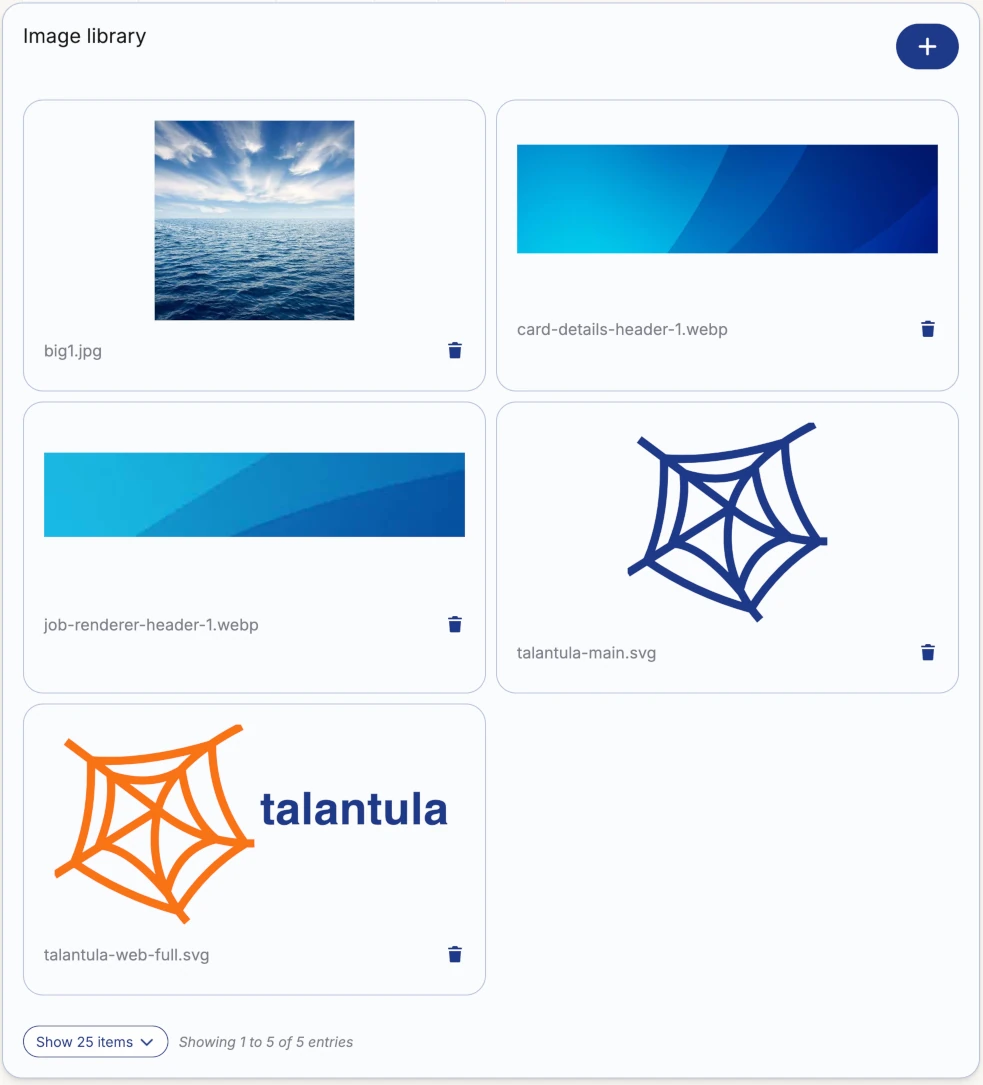
Shared Email Image Library
Talantula includes a centralized image library for managing the visual assets used across recruitment emails and other company communications. Teams can upload and organize company-wide images such as logos, brand elements, banners, and other reusable visual content in one place.
Images from the library can be added directly to email templates and individual messages, helping recruiters create consistent, professionally branded communications without repeatedly uploading the same assets.
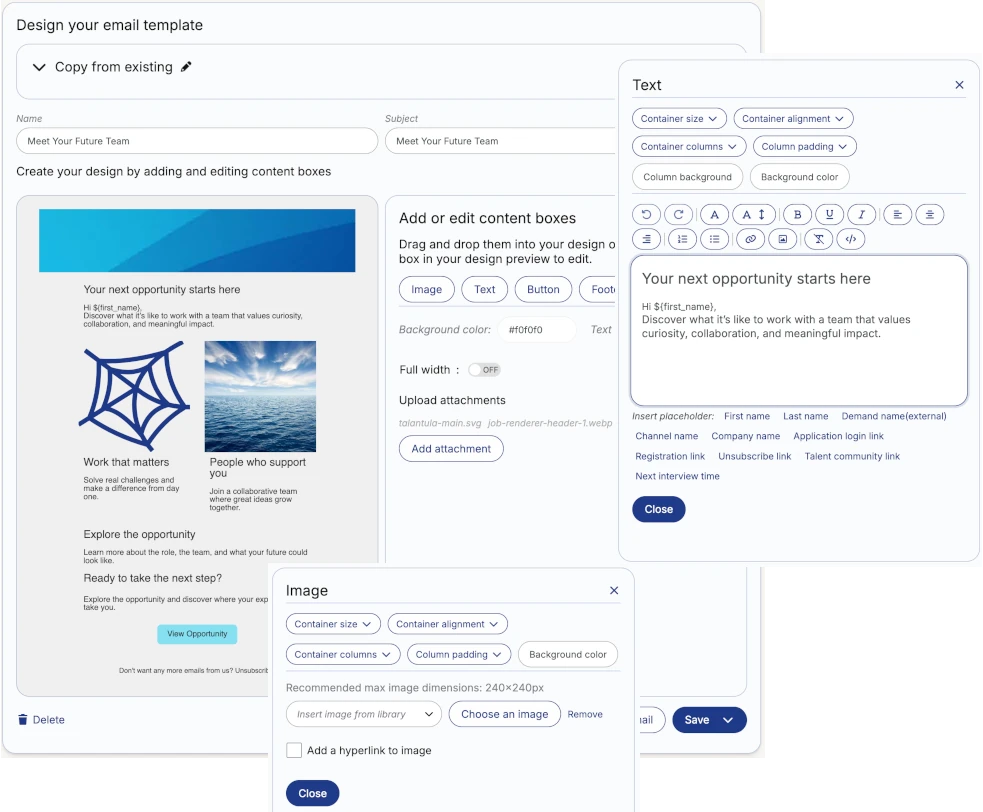
Visual Email Template Builder
Create polished, branded recruitment emails with Talantula's flexible visual template builder. Build layouts from reusable content sections, combine text and images, and add styled buttons to create engaging communications for candidates and talent communities.
Recruiters can define their own layouts and arrange content exactly as needed, or start from predefined layouts for faster creation. Every template can be customized to match the organization's communication style and reused across recruitment workflows.
Send Personalized Emails at Any Scale
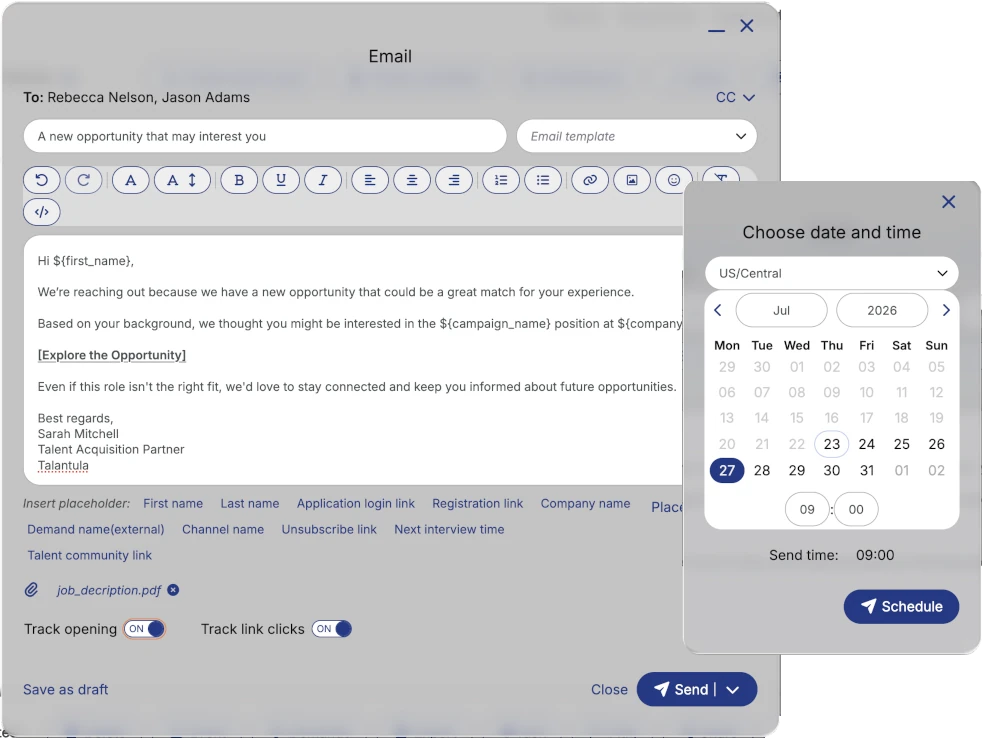
Talantula's custom email composer lets recruiters reach candidates directly from lists, profiles, talent pools, or filtered segments without interrupting their workflow. It supports both one-to-one outreach and broader communication with groups of matching candidates.
The composer brings together flexible message creation and practical sending controls. Recruiters can work from a template or start from scratch, tailor the message to the recipient, and decide whether to send it right away or at a later time.
Track Every Candidate Send-Out
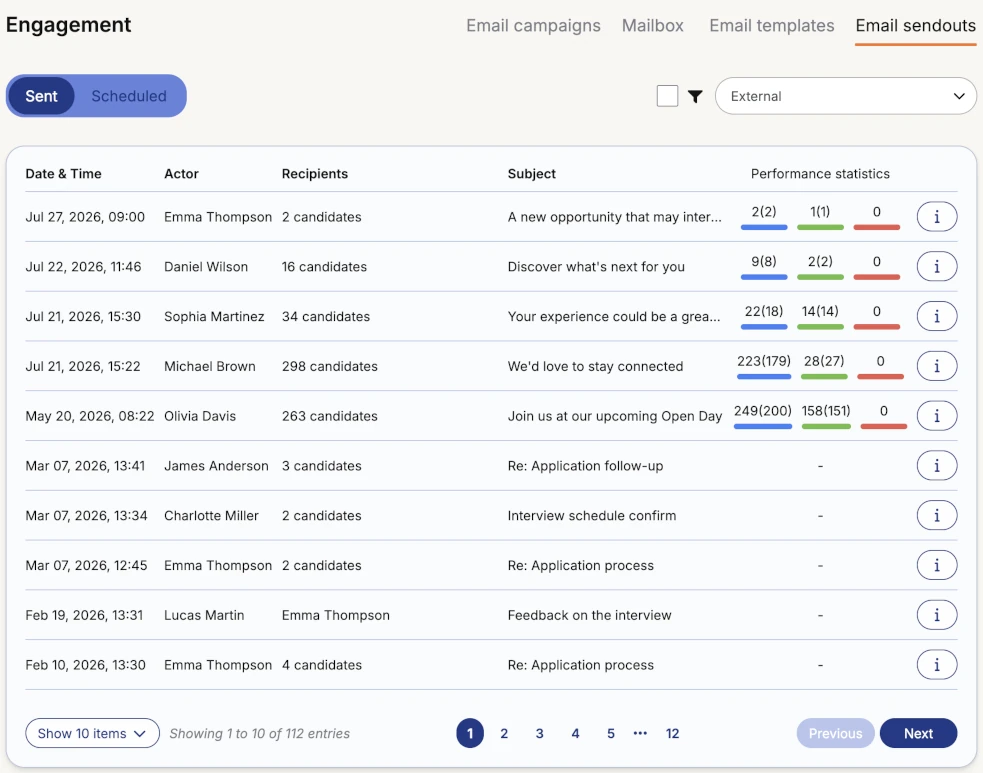
Talantula keeps a complete record of email communications sent to candidates across the organization. The send-outs overview provides a centralized audit trail for both completed and scheduled messages, making it easy to see what was sent, when it was sent, who received it, and which recruiter initiated the communication.
For mass send-outs, performance data provides additional insight into candidate engagement. Recruiters can monitor delivery and interaction metrics such as opens and link clicks, helping teams understand how candidates respond to larger-scale outreach.
Works Together With
Start Hiring Smarter Today
Be among the first to use this powerful new tool and revolutionize your hiring process. Sign up now and start hiring in minutes!